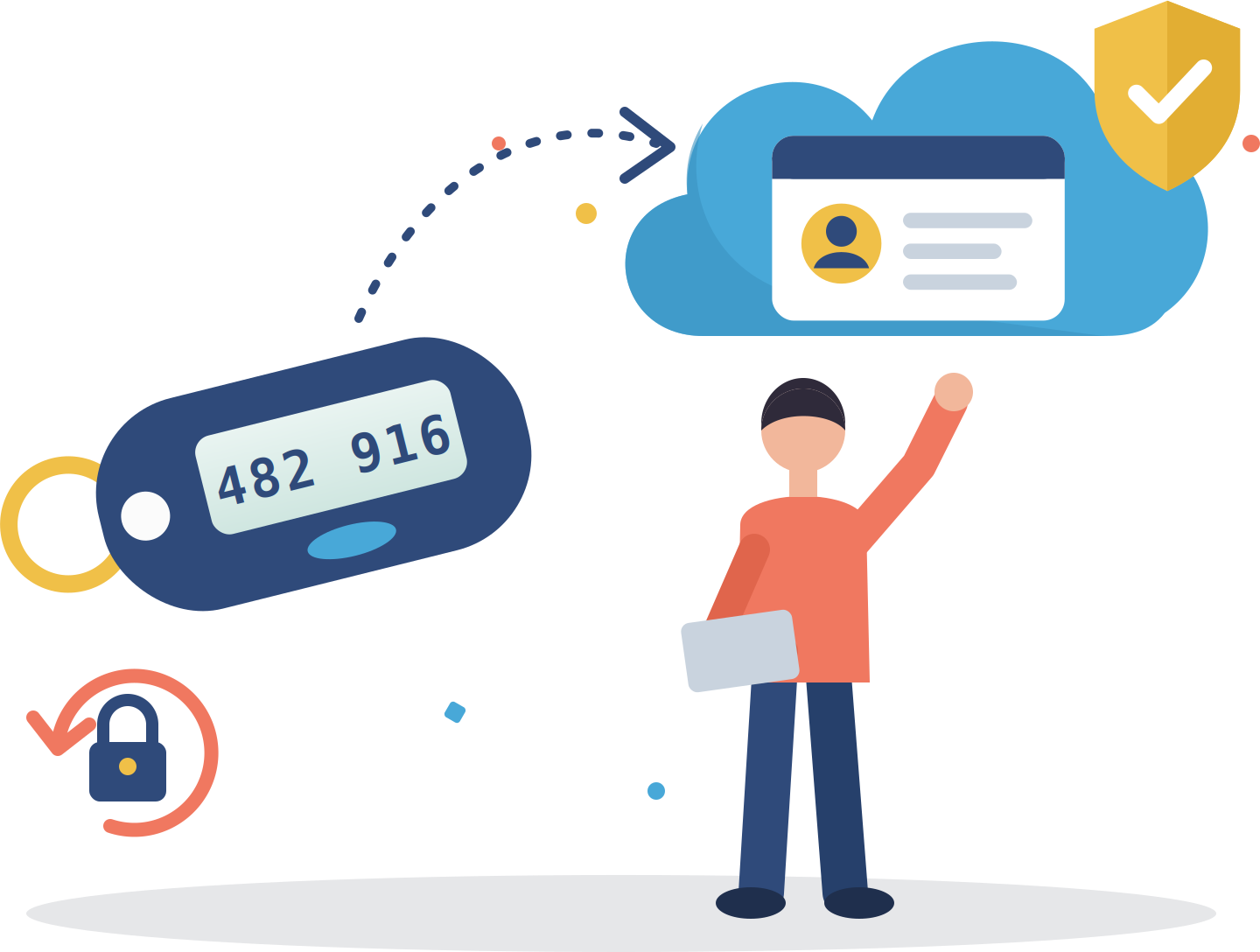
Hardware token authentication is a secure and reliable method of verifying a user’s identity. This method uses a physical device to generate a one-time code used for accessing a system or application. Hardware tokens generate 6 or 8 digit one-time passcodes every 30 or 60 seconds and are compliant to the RFC 6238 standard.
LoginTC Hardware Tokens are available for purchase.
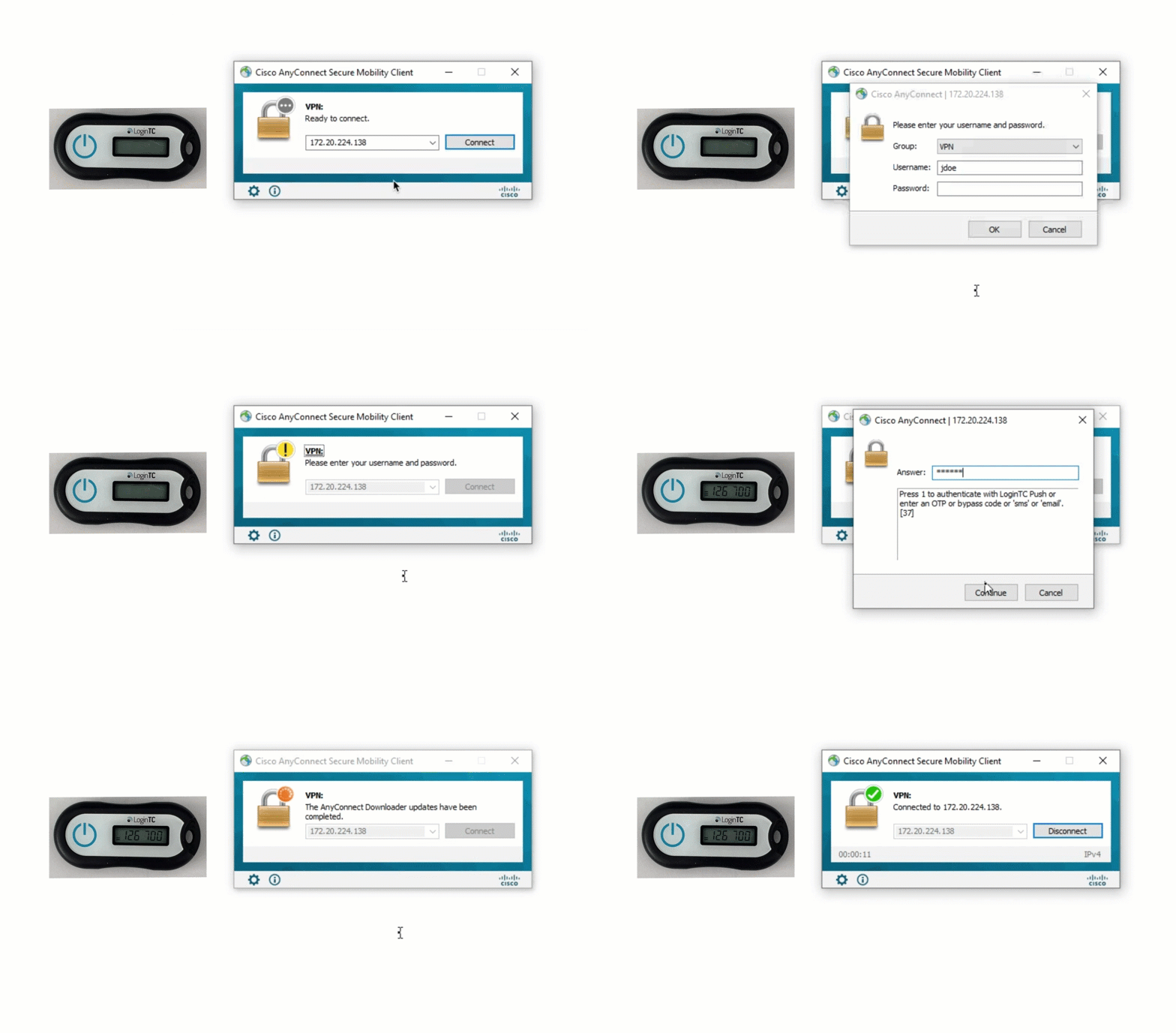
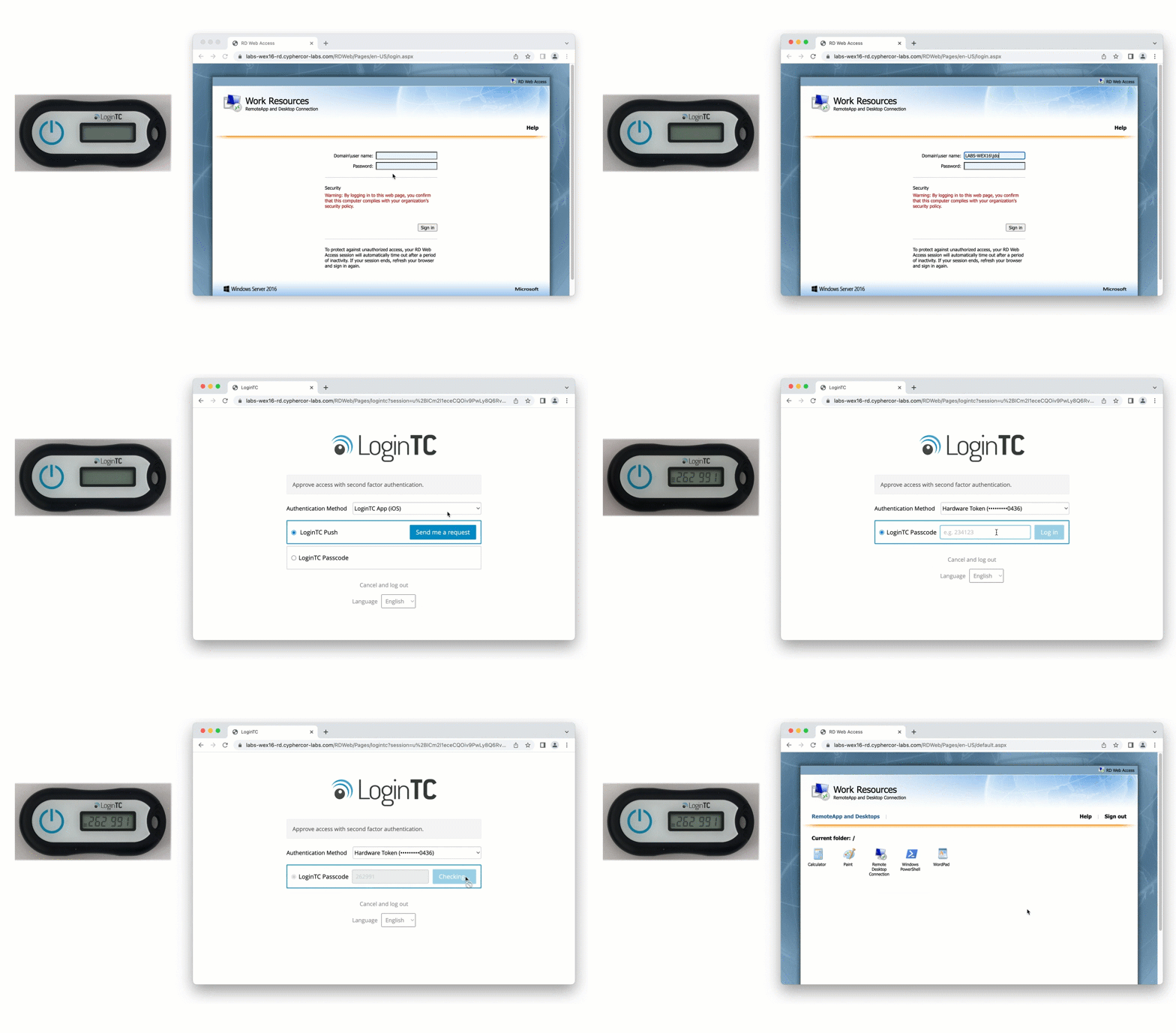
Check out how LoginTC hardware token authentication works with your connectors.
At LoginTC, we’ve created a hardware token trial program to allow administrators to try out the hardware token authentication method at no charge.
As part of the program, you’ll receive two free LoginTC Hardware Tokens sent directly to you along with instructions for how to activate them in your LoginTC Administrator Portal. You can enroll in the program as part of your standard 15-day free trial, or when you become a new customer.
Using LoginTC Hardware Tokens with Microsoft Entra ID
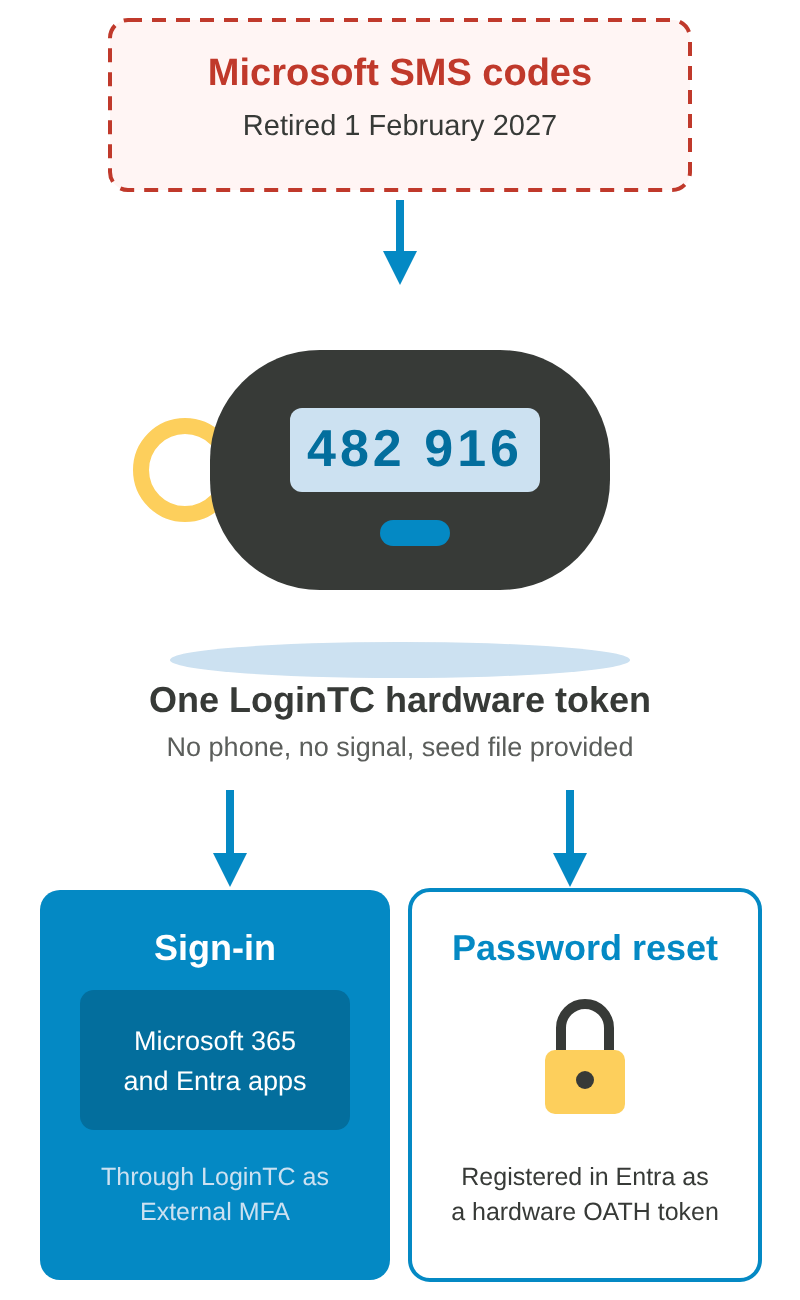
LoginTC hardware tokens are standard TOTP tokens built to RFC 6238. That means they are not locked to LoginTC. You can register them directly in Microsoft Entra ID as hardware OATH tokens, alongside or instead of a LoginTC deployment. LoginTC provides the seed files for the upload.
This matters for one specific problem: Entra self-service password reset. Microsoft’s authentication methods table does not accept External MFA or passkeys as an SSPR method. For a user with no mobile phone, that leaves very few options. A hardware OATH token is one of them.
So if you have staff who cannot or will not use a personal phone, a LoginTC hardware token can cover both sides: the second factor at sign-in, and the registered method Entra will accept for password reset.
Microsoft lists hardware OATH token support in Entra as a preview feature. Check its current status in your own tenant before you plan a rollout around it.
Replacing Microsoft SMS Codes with a Hardware Token
Microsoft stops delivering its own SMS and voice MFA codes in Entra ID on 1 February 2027, and on 1 July 2027 for Global Administrators and external users. Users who relied on a text message and have no smartphone can move to a LoginTC hardware token, used through LoginTC as an Entra external authentication method, and registered in Entra as a hardware OATH token for password reset, using the seed file LoginTC provides. The dates and options are in Microsoft is retiring SMS and voice MFA in Entra ID.
Which methods can reset a password in Microsoft Entra ID? According to Microsoft’s authentication methods table:
Method
Sign-in MFA
Self-service password reset (SSPR)
Hardware OATH token (preview), e.g. a LoginTC hardware token
Yes
Yes
Passkey (FIDO2) or security key
Yes
No
External MFA (third-party provider)
Yes
No
Microsoft Authenticator push
Yes
Yes
Email one-time passcode
Guests only
Yes
SMS or voice call (Microsoft-provided until 1 February 2027)
Yes, Hardware Tokens are available on-premises. Check out our on-premises page to see all available authentication methods.
How can I get Hardware Tokens?
Hardware tokens can be purchased from LoginTC for $10. If you are interested in using Hardware Tokens with your LoginTC trial, contact us to receive two free Hardware Tokens.
How long do Hardware Tokens last?
The battery in Hardware Tokens lasts between 3-5 years.
Can LoginTC hardware tokens be registered in Microsoft Entra ID?
Yes. LoginTC hardware tokens are standard TOTP tokens conforming to RFC 6238, and LoginTC provides the seed files, so Entra ID can register them as hardware OATH tokens. This also makes them usable as a registered method for Entra self-service password reset, which does not accept External MFA or passkeys. Hardware OATH token support in Entra is a preview feature, so confirm its status in your tenant before planning a rollout.
Can a hardware token replace SMS codes in Microsoft Entra ID?
Yes. Microsoft retires its own SMS and voice MFA in Entra ID on 1 February 2027. A LoginTC hardware token gives users a code without a phone or a signal: they sign in through LoginTC as an Entra external authentication method, and the same token can be registered in Entra as a hardware OATH token for self-service password reset, using the seed file LoginTC provides. Microsoft currently lists hardware OATH as a preview feature.
See all our authentication methods
LoginTC Push
LoginTC Desktop
LoginTC Passcode
SMS Passcode
Email Passcode
Phone Call
Security Keys
Hardware Token
Bypass Codes
Passcode Grid
Number Matching
Phone Call OTP
QR Scan
Offline Bypass
Authenticator App
LoginTC is here to help
Your organization is unique, and so are your security needs.
Contact us today for a no-commitment consultation call with an MFA expert.