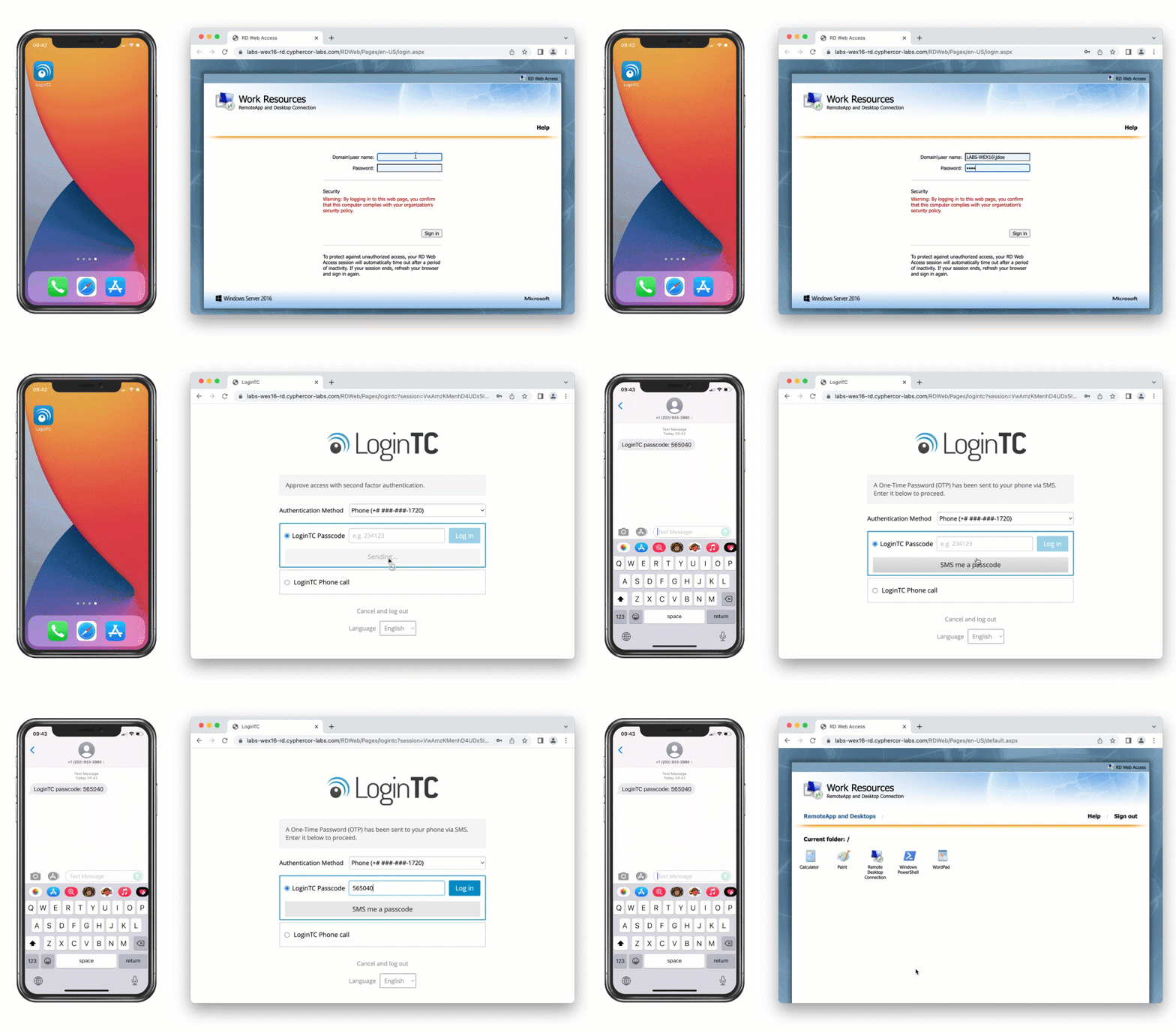
Multi-factor Authentication (MFA) for Remote Desktop Web Access
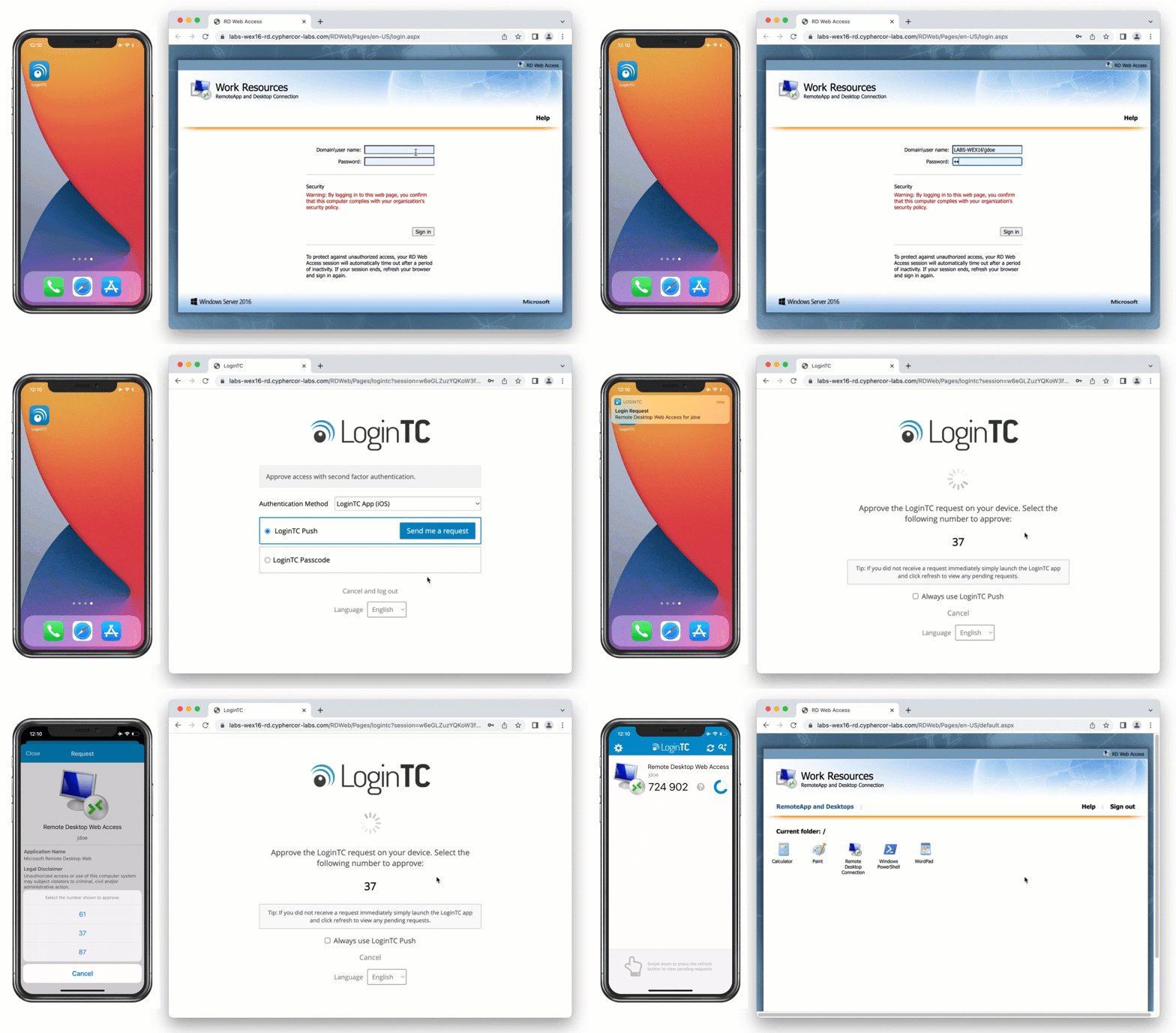
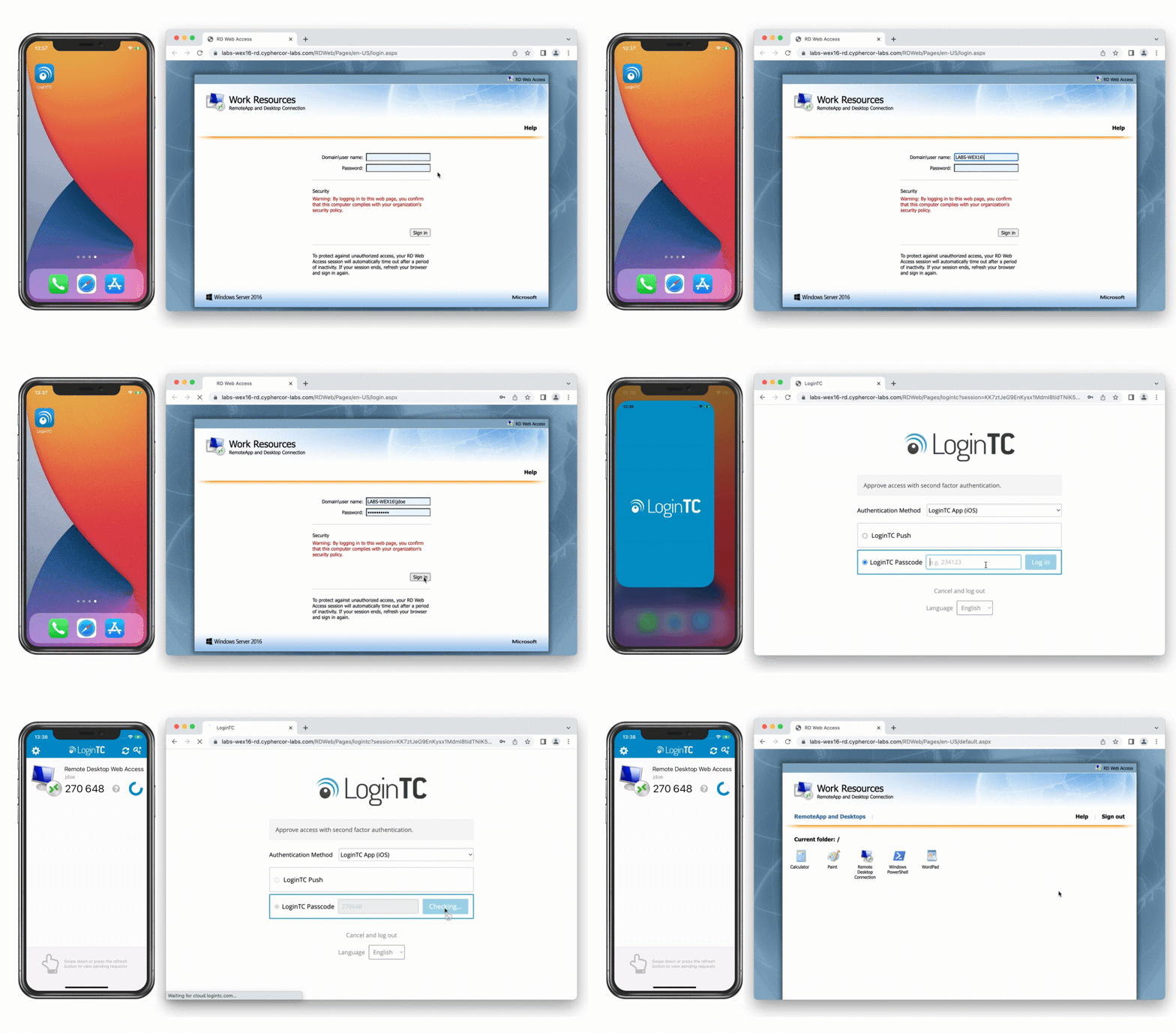
Secure remote access to Remote Desktop Web Access with LoginTC two-factor authentication (2FA). Easy for end-users to enroll and log into Remote Desktop Web Access protected applications and SAML-based applications. Two-factor authentication helps prevent account takeovers.
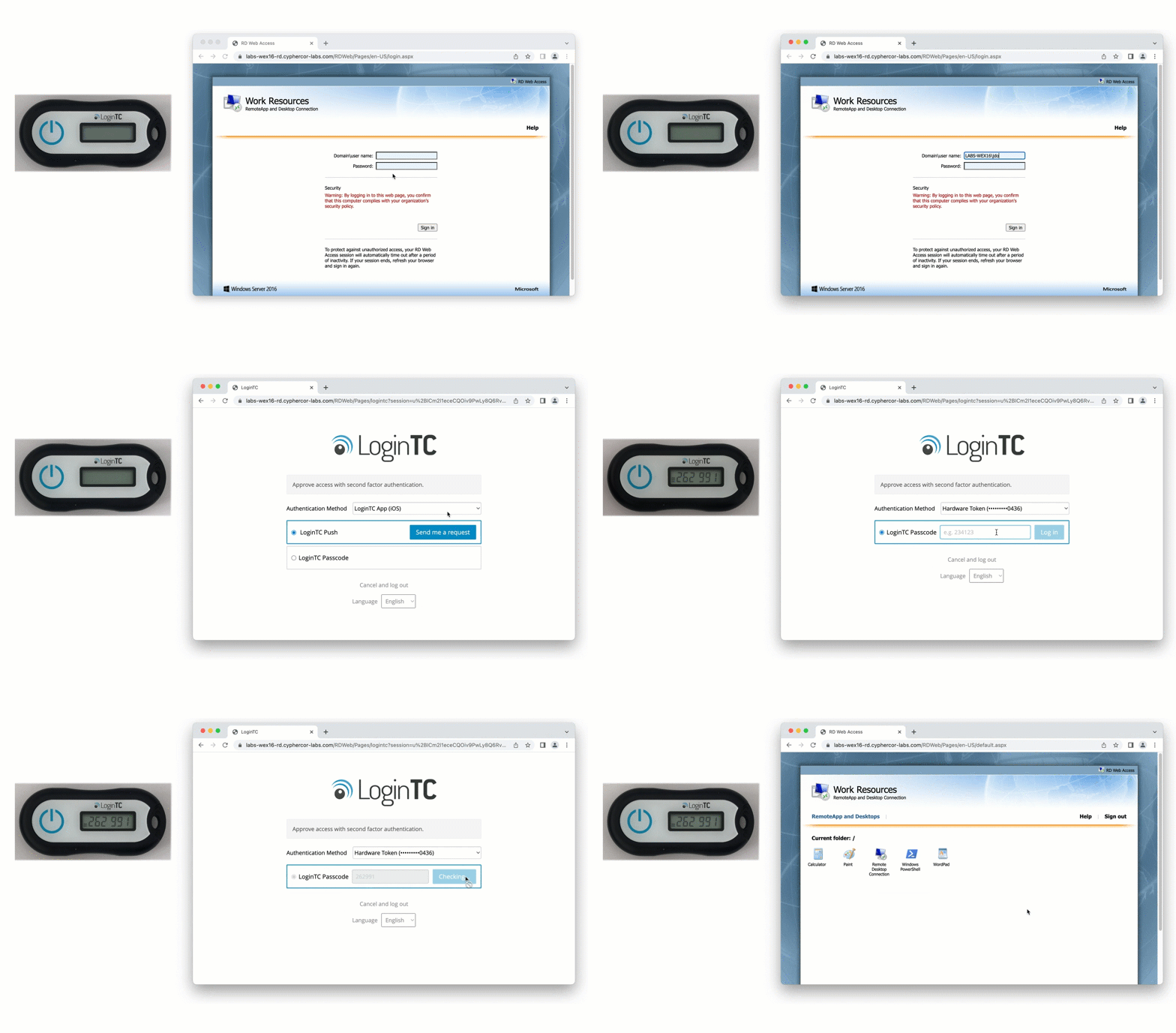
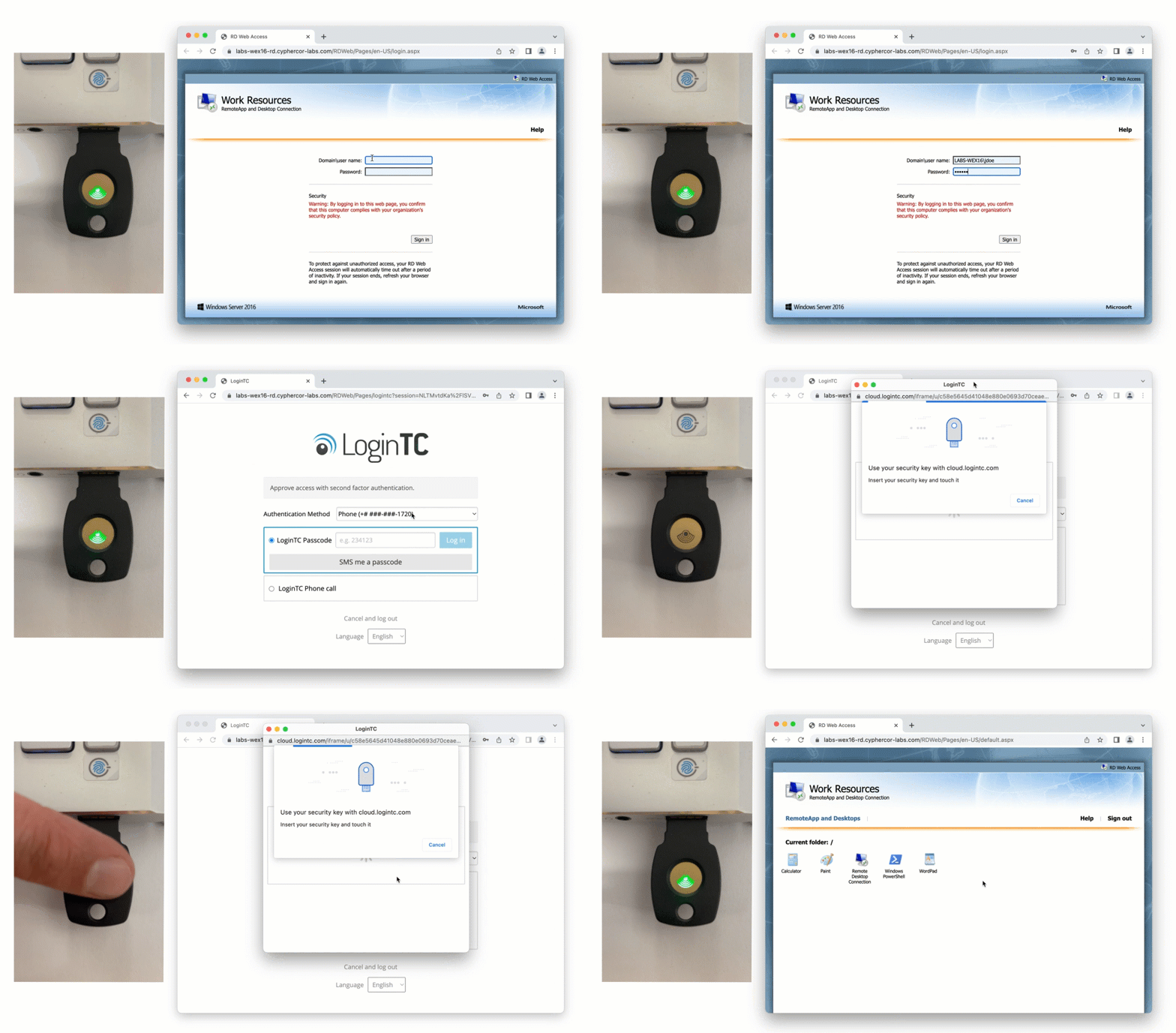
Multiple authentication methods like Push-based authentication, Software One-Time Passwords (OTP), Hardware Tokens, Bypass Codes and Email One-Time Passwords ensure end-users can always login securely.
Works when Chrome and Edge turn off XSLT. From 17 November 2026, Chrome stops running XSLT and the classic RD Web Access page shows “Unable to display RD Web Access”. The LoginTC RD Web Access connector 1.5.0 draws the pages on the server, so your classic page keeps working, with MFA, in every browser. What changes and your options · Download 1.5.0

Direct integration with Active Directory means you can still leverage passwords as a first factor. Users can also be synchronized from Active Directory for a streamlined rollout.
Enable LoginTC with Remote Desktop Web Access to add multi-factor authentication (MFA) to your remote access deployment and keep your organization secure.