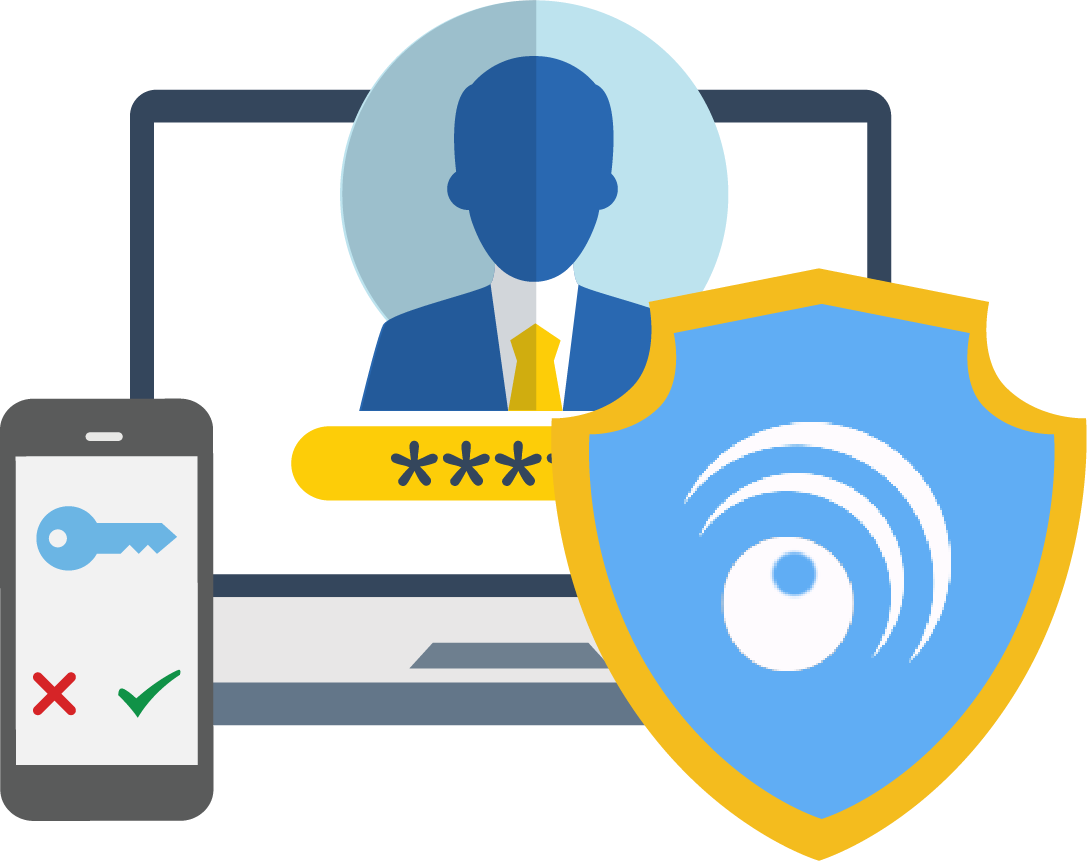
Schools face a unique MFA challenge: students and staff need secure authentication, but can’t rely on personal smartphones. HallKey (formerly LoginTC Education) solves this with a low-cost, no-device MFA solution built specifically for K-12 schools, colleges, and universities. HallKey is the evolution of our education-focused MFA work at LoginTC: the same device-free, passcode-grid MFA for K-12 schools, colleges and universities, now with a home of its own.
HallKey is a device-free MFA solution built for K-12 schools, colleges, and universities. Students authenticate using printable passcode grid cards – no smartphone, no app, no data plan required. HallKey integrates with Microsoft Entra ID through External Authentication Methods (EAM), so schools can add MFA to Office 365, Teams, and Outlook without replacing their existing identity infrastructure. Education pricing makes deployment achievable on district budgets.
Why Do Schools Need MFA?
Educational institutions are among the most frequently targeted organizations in cybersecurity attacks. Schools manage sensitive student data, financial records, and staff information, yet most lack the budget and infrastructure for enterprise-grade security solutions.
Educational institutions are among the most frequently targeted organizations in cybersecurity attacks. Schools manage sensitive student data, financial records, and staff information, yet most lack the budget and infrastructure for enterprise-grade security solutions.
A core challenge unique to schools: students don’t carry employer-issued smartphones, making traditional app-based MFA impractical or impossible to enforce.HallKey is designed specifically for this reality, delivering strong, compliant MFA without requiring any personal or school-issued device.
Introducing HallKey (formerly LoginTC Education)
HallKey is a purpose-built MFA solution for schools that use Microsoft Entra ID or Google Workspace (custom OIDC single sign-on). It’s affordable, easy to deploy, and works without smartphones.
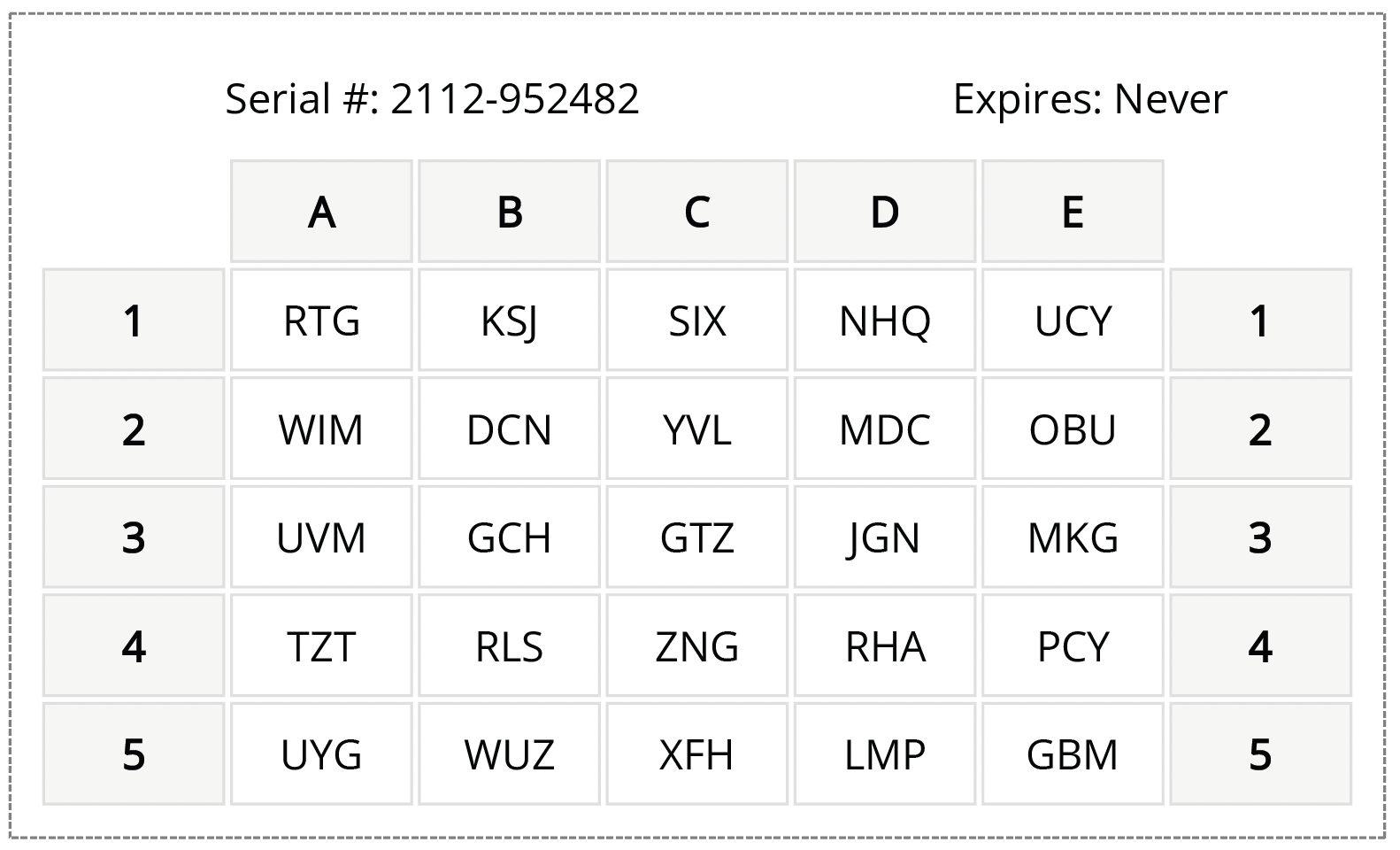
Instead of authenticator apps, students and staff authenticate using passcode grids, printable authentication cards that IT can generate and distribute for free. No app downloads, no personal devices, no data plans required.
Key features:
Works with Microsoft Entra ID (Azure AD) and Google Workspace
Printable passcode grid cards, no smartphone needed
Free to print and distribute to students
Low per-user pricing built for education budgets
Supports CIPA, state cybersecurity mandates, and cyber insurance requirements
Why MFA with LoginTC?
Schools often struggle to find MFA solutions that fit their environment. Most tools assume every user has a smartphone, something that simply isn’t true for K–12 students. HallKey was built with schools in mind: it integrates directly with the identity platforms you already use, like Microsoft Entra ID and Google Workspace, and requires no app installation or personal device of any kind.
Our education pricing is among the most competitive in the market, and our team provides hands-on onboarding support so your IT staff isn’t left to figure it out alone.
Benefits of LoginTC MFA for Education
User-friendly
Accessible
Flexible
Hands-on assistance
Authentication Without a Device: How Passcode Grids Work
For schools, the biggest barrier to MFA adoption isn’t budget — it’s the assumption that every user has a smartphone. Passcode grid authentication removes that assumption entirely.
Each student or staff member is assigned a unique 5×5 grid card containing randomly generated letter combinations. When logging in, they’re prompted to enter a short passcode derived from specific positions on their personal grid. The process takes seconds, works completely offline, and requires nothing more than the printed card itself.
For school IT teams, there’s no hardware to purchase, no app to manage, and no dependency on a student’s personal device or data plan. Cards are generated through the LoginTC Admin Panel and can be printed and distributed just like a student ID. If a card is ever lost, a new one can be issued instantly at no cost.
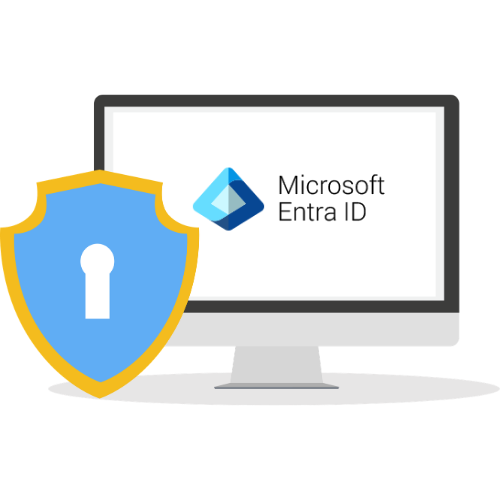
Most schools managing student and staff identities through Microsoft Entra ID already have the foundation they need, HallKey plugs directly in using Microsoft’s External Authentication Methods (EAM) framework, with no need to replace or restructure your existing identity setup.
Through Entra ID EAM, LoginTC becomes your school’s MFA provider across all connected Microsoft services — including Office 365, Microsoft Teams, and any other applications tied to your Entra tenant. Students and staff authenticate once with their passcode grid card and gain secure access across the board. Your IT team gets centralized control, detailed logging, and policy-based management through the LoginTC Admin Panel.
Setup is straightforward: LoginTC can be added to your Entra tenant in under ten minutes, and our team is on hand to walk you through every step.
Can students use MFA without a smartphone or personal device?
Yes. HallKey is specifically designed for schools where students don’t have access to school-issued smartphones or can’t be required to use personal devices for authentication. Instead of an authenticator app, students use a passcode grid card, which is a small, printed card that generates one-time passcodes. No phone, no app, no data plan required.
Does HallKey work with Microsoft Entra ID and Google Workspace?
Yes. HallKey integrates with both Microsoft Entra ID and Google Workspace (custom OIDC single sign-on), the two identity platforms most commonly used by schools. If your school already manages student and staff accounts through either platform, HallKey can be layered on top with minimal configuration, so you’re not starting from scratch or replacing anything you already have in place.
How much does MFA cost for a school or school district?
HallKey is priced specifically for educational institutions, with steep discounts off listed prices. We recognize that school IT budgets are under constant pressure, so our education pricing is designed to make strong MFA accessible without requiring a large capital investment. Contact us for a quote tailored to your district’s size and setup.
What happens if a student loses their authentication card?
If a student loses their passcode grid card, your IT administrator can instantly deactivate the old card and print a new one at no cost. Because the cards are generated and printed in-house, replacement is fast and doesn’t require waiting on hardware to be shipped. There’s no security risk from a lost card as long as it’s deactivated promptly, since the card alone isn’t enough to access an account without the student’s username and password.
How quickly can a school district deploy HallKey?
Most schools can get HallKey up and running in a matter of days, not months. Our team provides hands-on onboarding support throughout the process, so your IT staff isn’t navigating the setup alone. Once configured, rolling out authentication cards to students is as simple as printing and distributing them.
Start your free trial today. No credit card required.